
I Built an iOS Control Room for My AI Agent — And Open Sourced It
App Web Dev Ltd
1 April 2026
How I built and open sourced the OpenClaw iOS app: a native self-hosted AI dashboard with cron traces, chat, token analytics, and memory browser. Install guide included.
About six months ago I started running an AI agent on a VPS. Not some managed cloud service with a polished dashboard — a self-hosted OpenClaw gateway that I control entirely, running pipelines for my agency around the clock. It handles cold email outreach, daily blog publishing, social media engagement, and a dozen other automations that would otherwise eat my mornings.
The agent works brilliantly. The problem was knowing what it was doing from my phone at 8am while I'm making coffee in Manchester.
Telegram notifications helped. But when a cron job failed silently at 3am, or I wanted to inspect which tokens a particular run chewed through, or I needed to scroll back through an agent's memory file mid-conversation — Telegram just wasn't the right tool. I wanted a proper self-hosted AI dashboard that lived natively on my iPhone.
So I built one. And last week, I open sourced it: OpenClaw iOS on GitHub.
What the App Actually Does
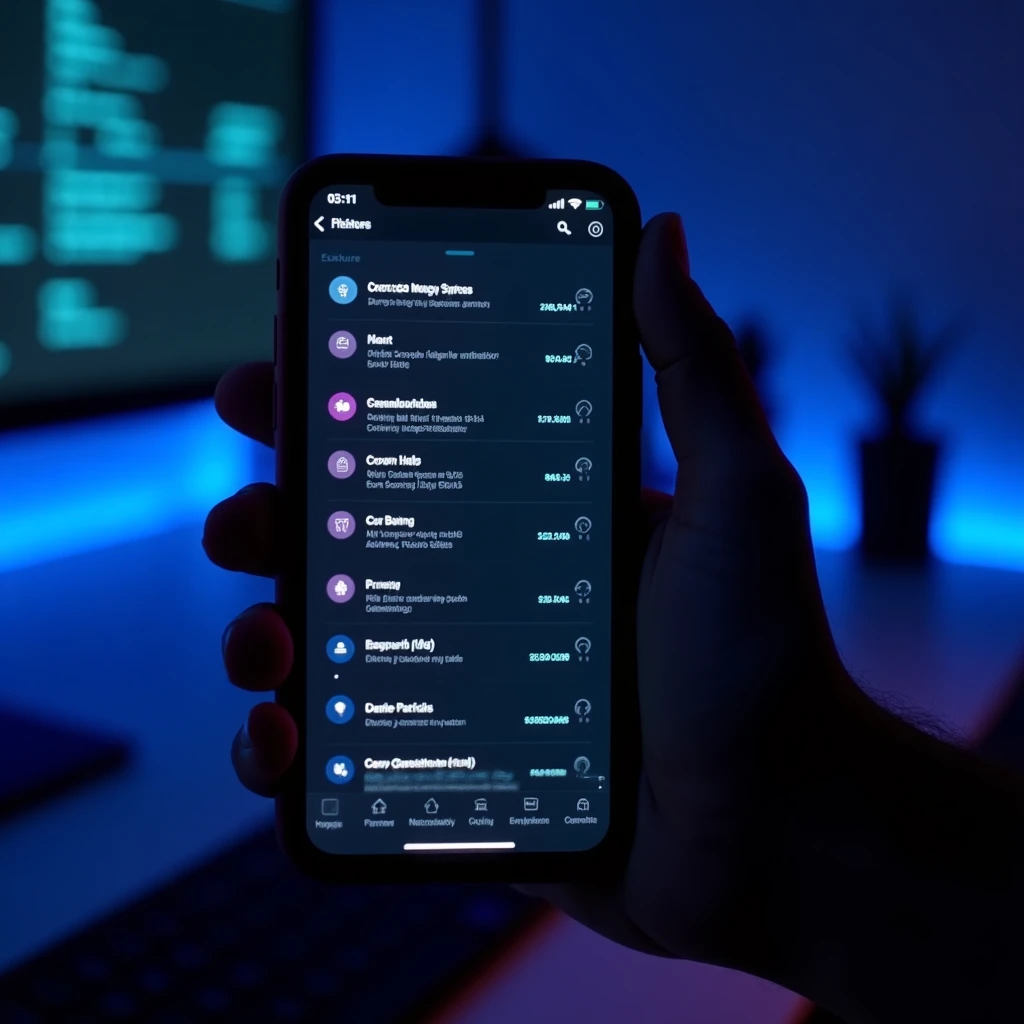
The OpenClaw iOS app is a native SwiftUI control room that connects to your self-hosted OpenClaw gateway. It is not a wrapper around a web view. It talks directly to the gateway's API, uses Apple Push Notification Service for real-time alerts, and surfaces four core capabilities that I use every day.
Cron job monitoring and traces. Every cron job I run — blog pipeline, outreach emails, site agent — appears as a live entry in the app. You can tap into any job, see its full execution trace, read the agent's reasoning and tool calls, and spot exactly where something went wrong. For anyone running autonomous pipelines overnight, this alone is worth the install.
Chat. The app gives you a direct message thread into your agent. Same conversation you'd have on Telegram, but rendered natively, with proper message bubbles, code blocks, and the ability to scroll back through weeks of history. When I'm out of the office and need to ask the agent to kick off a specific task or check on a campaign, this is how I do it.
Token analytics. Running LLM agents at scale costs real money. The analytics tab breaks down token usage by session, model, and time period. You can see which pipelines are the expensive ones, track cost trends week over week, and catch runaway processes before they become a billing surprise. This was one of the first features I built because I wanted it for myself immediately.
Memory browser. OpenClaw agents maintain persistent memory files — structured markdown that the agent reads and updates across sessions. The memory browser lets you read and navigate those files directly from the app. If your agent has formed a belief you want to check or correct, you do not need to SSH into the server.
The app pairs with your gateway over your local network, Tailscale, or a manual host entry. Push notifications arrive via a relay-backed APNs design, which means your gateway never needs direct access to Apple's push infrastructure. Your production APNs credentials stay out of user devices entirely.
The Build Story: Agent-Generated Swift
Here is where it gets unusual. The majority of the Swift code in this app was generated by the same AI agent the app is designed to control.
I am not primarily an iOS developer. My background is web and backend, with TypeScript and Python as my daily languages. I can read Swift and I understand the iOS platform, but I am not fast in Xcode. So when I needed this app, I approached it the way I approach most problems now: I described what I wanted to the agent in precise terms, iterated on the output, and handled the architectural decisions myself while letting the agent do the volume work.
The result was genuinely surprising. The agent produced clean, idiomatic SwiftUI — proper use of @StateObject, @EnvironmentObject, structured concurrency with async/await, and sensible view decomposition. It was not perfect on the first pass. There were signing configuration issues, some navigation state bugs, and one memorable incident where the APNs token registration happened on the wrong thread and crashed on launch. But those were the kind of bugs you expect in any alpha.
What struck me was the speed. Features that would have taken me two or three days to research and implement landed in hours. The AI agent control room was genuinely useful for building itself.
The signing setup was the most human-intensive part. Apple's code signing story for self-distributed apps is still messy in 2026 — local signing via Xcode is straightforward if you have a paid developer account, but getting friends to install it required either TestFlight or detailed sideloading instructions. That is a legitimate friction point I want to address in a future release.
How to Run It Yourself
If you want to run the OpenClaw iOS app against your own gateway, here is what you need.
Prerequisites:
- Xcode 16 or later
- An Apple Developer account (free tier works for personal device builds; paid required for TestFlight/distribution)
- A running OpenClaw gateway (self-hosted)
- Your gateway's API URL and access token
Quick start:
Clone the repo:
git clone https://github.com/Parham-dev/OpenClaw-ios.git
cd OpenClaw-ios
Open the project in Xcode:
open OpenClaw.xcodeproj
In Xcode, navigate to the project settings and update the Bundle Identifier to something unique under your Apple Developer account (e.g. com.yourname.openclaw). Select your development team under Signing. Connect your iPhone and select it as the build target. Hit Run.
On first launch the app will prompt you to pair with a gateway. Enter your gateway's host address and the access token from your OpenClaw config. If you are on the same local network, Bonjour discovery should find the gateway automatically. For remote access over Tailscale or a public host, enter the URL manually.
For push notifications to work, you need to configure the push relay. The official docs at docs.openclaw.ai/platforms/ios cover the relay setup in detail. The short version: the relay acts as a bridge between your gateway and Apple's push infrastructure, so your gateway sends events to the relay and the relay forwards them via APNs. Your credentials never touch the gateway config.
Pairing and Troubleshooting
The most common issue people hit is a failed pairing. Nine times out of ten it is one of three things.
First, the gateway URL. If you are on local network, use the IP address or hostname directly — http://192.168.1.x:3000. If you are accessing remotely, make sure the gateway is reachable from outside your local network and that you are using HTTPS if your reverse proxy terminates TLS.
Second, the bootstrap token. The pairing process uses a short-lived token that expires after a few minutes. If you see "bootstrap token invalid or expired", go back to your gateway config, generate a fresh pairing token, and try again quickly.
Third, the gateway bind address. If your gateway is bound to 127.0.0.1 only, the app cannot reach it even on local network. Make sure gateway.bind is set to 0.0.0.0 or your LAN interface address.
If you run into issues beyond these, the node-connect skill in OpenClaw's skill library has a dedicated troubleshooting guide that covers the Tailscale, relay APNs, and discovery edge cases in more depth.
Community Reaction and Why Native Matters
When I shared this on Reddit, the response was warmer than I expected. The thread picked up comments from developers who had been cobbling together Telegram bots and custom webhooks to get visibility into their self-hosted agents, and a few who had started building their own native clients independently.
That confirmed something I had suspected: the demand for a proper self-hosted AI dashboard on mobile is real, and most of the existing solutions are either web views, Telegram-dependent, or enterprise tools that cost more per seat than the infrastructure they are monitoring.
Native matters for a few concrete reasons. Push notifications delivered via APNs are significantly more reliable than polling — your phone wakes for a failed pipeline the moment it fails, not the next time the app checks. Native integrations mean you can surface camera feeds from paired nodes, share location context with the agent, or attach files from Files.app in a single tap. And for privacy-conscious developers running self-hosted infrastructure specifically to keep data off third-party servers, a native app that talks directly to your gateway is more consistent with that goal than routing everything through a cloud messaging service.
The open source release is an alpha. There are rough edges. The token analytics UI needs work on smaller screen sizes, and there are a few navigation flows I want to rethink. But the core is solid enough that I use it daily, and the repo is structured to accept contributions.
What Is Coming Next
The roadmap is straightforward. Better offline state handling — right now if the gateway is unreachable, the app mostly just shows empty states. A skill installer UI that lets you browse and install ClawHub skills without touching the gateway config directly. And a proper onboarding flow that makes the pairing process feel less like a developer tool.
If you want to follow along or contribute, the repo is at github.com/Parham-dev/OpenClaw-ios. Issues and PRs are open. If you are a Swift developer who has ever wanted to work on tooling for AI agents rather than yet another CRUD app, this might be an interesting project.

The Bigger Picture
Running autonomous AI pipelines is genuinely transformative for a small agency. The outreach, the blog content, the social engagement — none of it requires my attention most of the time. But "most of the time" is the operative phrase. When something needs intervention, it needs it quickly, and a proper native control room on your phone is the difference between catching a problem in minutes and not noticing until the next morning.
The irony of building a control room for an AI agent using that same AI agent is not lost on me. It is a reasonably good demonstration of what capable AI-assisted development looks like in practice: move faster than you would alone, keep the architectural decisions human, and iterate aggressively.
If you are running self-hosted AI infrastructure and want a better way to monitor and interact with it from your phone, give the app a try. And if you are a developer in Manchester or elsewhere in the UK who is curious about what autonomous AI agency pipelines look like in practice, get in touch with App Web Dev Ltd. We build these systems for businesses, and the same tooling powering our own agency is available to yours.
About App Web Dev Ltd
UK-based AI agency specialising in business automation and intelligent AI solutions
Related Articles

SaaS vs AaaS: Why Agent-as-a-Service Is the Next Evolution Beyond Software
SaaS vs AaaS explained for UK businesses, with practical guidance on where AI agents fit, where they fail, and how to pilot them properly.

How to Save Tokens with Claude Code and Codex Without Slowing Your Team Down
Learn how to save tokens with Claude Code and Codex using cleaner prompts, tighter context, smarter model choice, and leaner coding workflows.

How AI Chatbots Help Manchester Businesses Save Time and Money
A practical guide for Manchester SMEs on where AI chatbots create real ROI,customer support, lead qualification, bookings, and internal workflows.